When reading different papers provided by our tutors, I have discovered Spark Journal – which is a great source for academic papers published by UAL. I read through a few papers, one that stood out to me was a paper titled “Seeing other examples has helped a bit” using Padlet in academic English classes in the arts university. (2022)
“Padlet” is an interactive notice board application, that allows multiple users to interact with the board – similar to a physical board with post-it notes. It also allows to embed different file formats such as text, image video etc.
My initial interaction with a similar software – “Trello” was years ago in 2011, when I used it for games development. Tools like Trello and Padlet are used for keeping track of projects by overseeing workflow distribution and progress. Since I found this tool very useful – I ended up using it for planning out my teaching sessions. (You can see an example below)
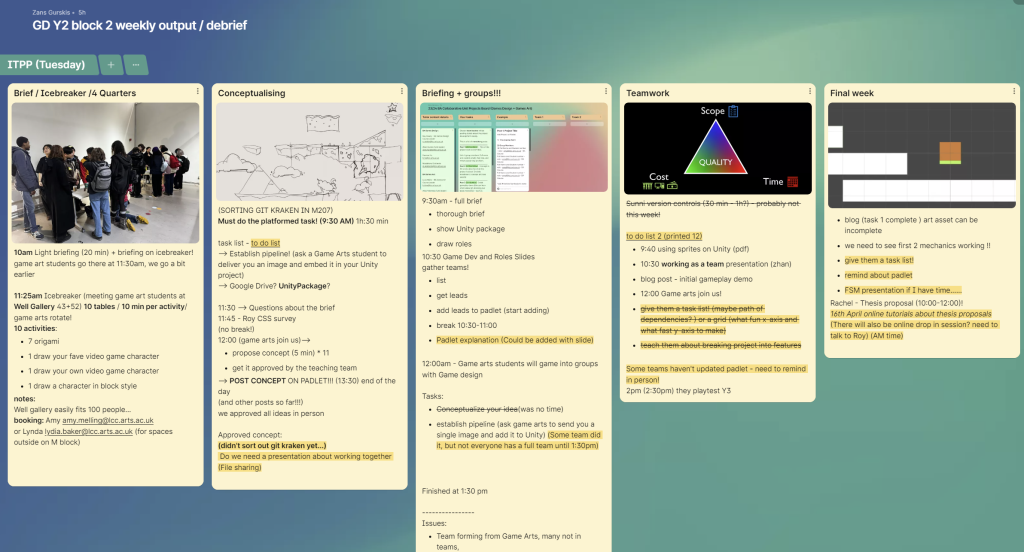
In addition to that, I also use this software for tracking my students’ progress; what I found interesting is that other disciplines such as Language Development also find it useful and how they use it. In the case study (Bernstein, D. ,2022) it is mentions that- the use of padlet was prompted because of the lockdown – it was used as a way to engage students in online sessions and see live comments and interactions. I think that’s a great application of the software.
In my case, I use padlet in a few different ways, one of the units that I deliver is a collaboration unit between: Year 2 Games Design (43) and Year 2 Games Arts students (45); we split them into 11 teams ( 7 – 8 students per team), then we give access to assigned team leaders to update their game development process.
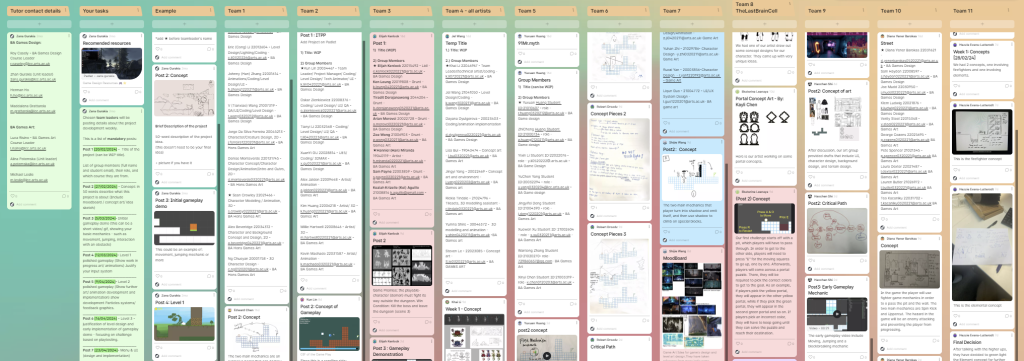
This board has a column with tutor details, a column with a list of mandatory weekly posts and what we expect to see in these posts, and it also has a column with examples of the posts. What is good about this system is that it is easy to set up, students engage with it and in this case they can also see each other’s progress, which they find motivational. For the teaching team it makes it easy to track the progress of their projects – as we can quickly take a look at their column and see the latest updates.
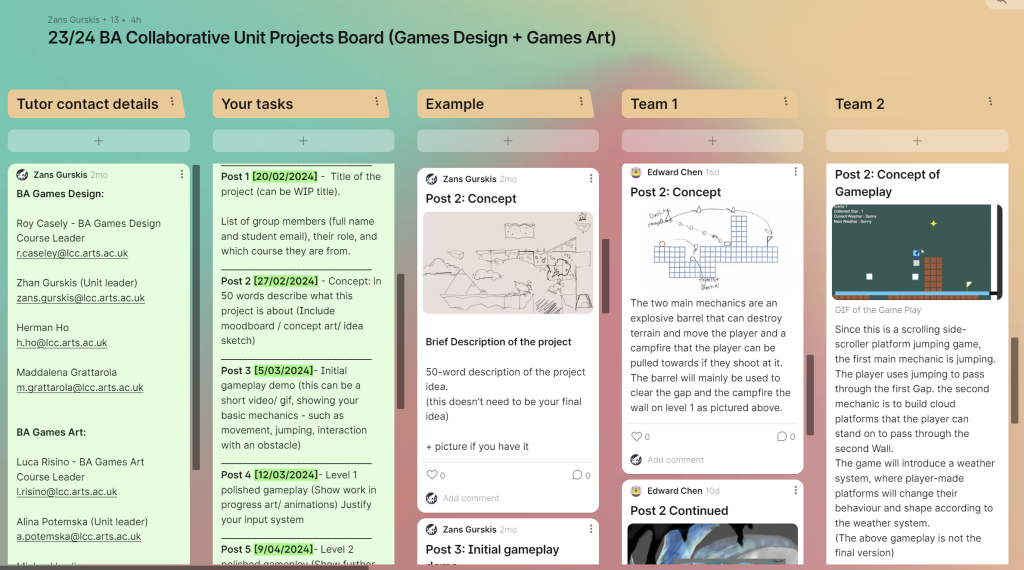
This serves as a practice run for using padlet, as we can see all projects at once in one place and help them if they need any assistance. I also run another unit where Year 2 Games Design students have to create and use a padlet board per team (4 students). On that unit each student from the team has access to the board. And they are encouraged to split their workload into smaller achievable tasks and track the project’s progress autonomously – which demonstrates good project management skills, communication and development process.
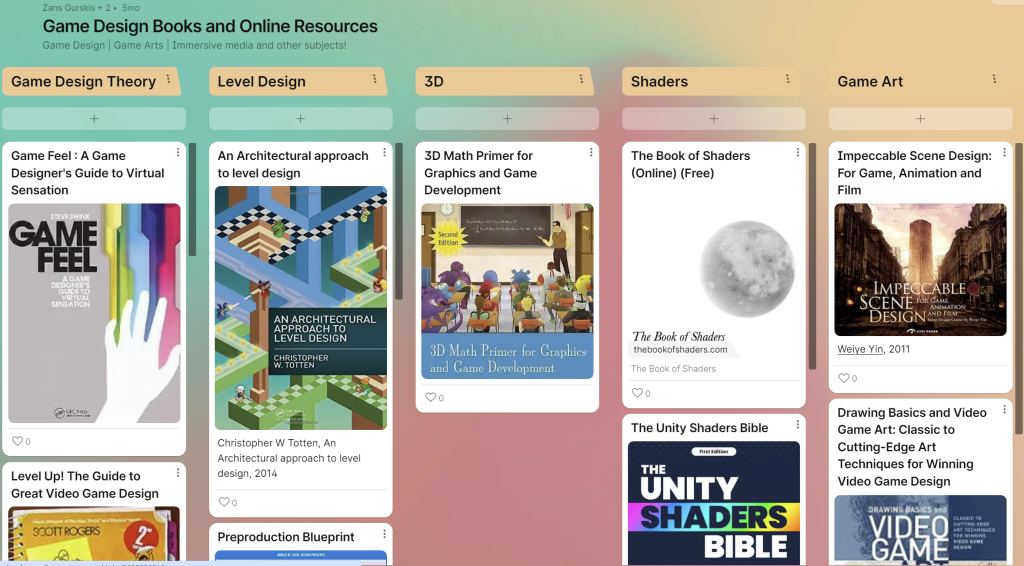
One other application of padlet: I use it to gather resources related to the Games Design subject to share it with my students. These resources are available at LCC library or are available as free online content. I also share this board with my teaching team, so that they can add new resources.
Refrences:
Bernstein, D. (2022). ‘Seeing other examples has helped a bit’: using Padlet in academic English classes in the arts university. Spark: UAL Creative Teaching and Learning Journal, [online] 5(1), pp.33–41. Available at: https://sparkjournal.arts.ac.uk/index.php/spark/article/view/166 [Accessed 6 Mar. 2024].
Software:
Padlet: https://artslondon.padlet.org/
Trello : https://trello.com/